
Flex-a-thon 💪
Flex #3:
AI Agent
Homework Hero
>>>>> FLEXERS, you’re halfway through and going strong!

Your new flex: Power up your future with AI agents…💪


>>>>> AI Agents Homework Hero Program Overview
What You’ll Explore:
Understand how generative AI
works and build a simple agent using prompts.
Why You'll Love It:
You’ll create a Homework Helper
and learn how to check answers and think for yourself.
Recommended Time:
Level 3: 40–50 mins
Why It Matters:
Generative AI for good! Smart girls use AI wisely and bravely.


Click in the lower corner to toggle full screen mode.
>>>>> What are AI Agents?
AI agents are smart helpers that can DO things for you.
How Were AI Agents Created?
People wanted computers to do helpful tasks—not just give answers.
The Idea (How it Started)
Computer scientists asked: “What if a computer could act like a helper?” Instead of just answering questions, they wanted AI to:
Follow steps
Make decisions
Complete tasks
That’s how the idea of an AI agent was born!
How They Built AI Agents
They combined 3 simple things:
1.Learning From Data
Why Did They Create AI Agents

They trained AI using lots of example like
conversations, images, tasks and problems
2.Instructions (Prompts)
They taught AI to follow steps like: “First do this, then do that”
3.Tools & Connections
They connected AI to tools like:
apps
websites
databases
Now you can see how AI Agents could actually do things, not just talk!!
Because they wanted to:
Save time on everyday tasks
Help people solve problems
Make ideas come to life faster
AI Agents help people focus on creativity and big ideas!
Your Takeways
AI Agent = Learn + Follow Steps + Use Tools

>>>>> Keeping Cyber Safe: Do’s and Don’ts
Flexers, just a quick reminder about our Dos and Don’ts to stay cyber safe.

Dos and Don’ts:
✅ Use agents built for kids or learning
✅ Ask clear, specific questions
✅ Always check the answer — AI can make mistakes!
✅ Keep your personal info private
✅ Ask an adult for help if confused or unsure


❌ Don’t trust all AI answers - check facts and use your critical thinking skills!
❌ Don’t share your location, full name or school
❌ Don’t use Gen AI to write your work for you
❌ Don’t download or click random links from bots

Recommended Resource:eSafety Kids – How to Use AI Smartly
This fun and safe guide helps you stay smart with tech like ChatGPT and other bots.
>>>>> Career Tips
Double Click to Pop all 10 balloons to discover what careers use prompts:
>>>>> Now The Flex 3 Challenge:
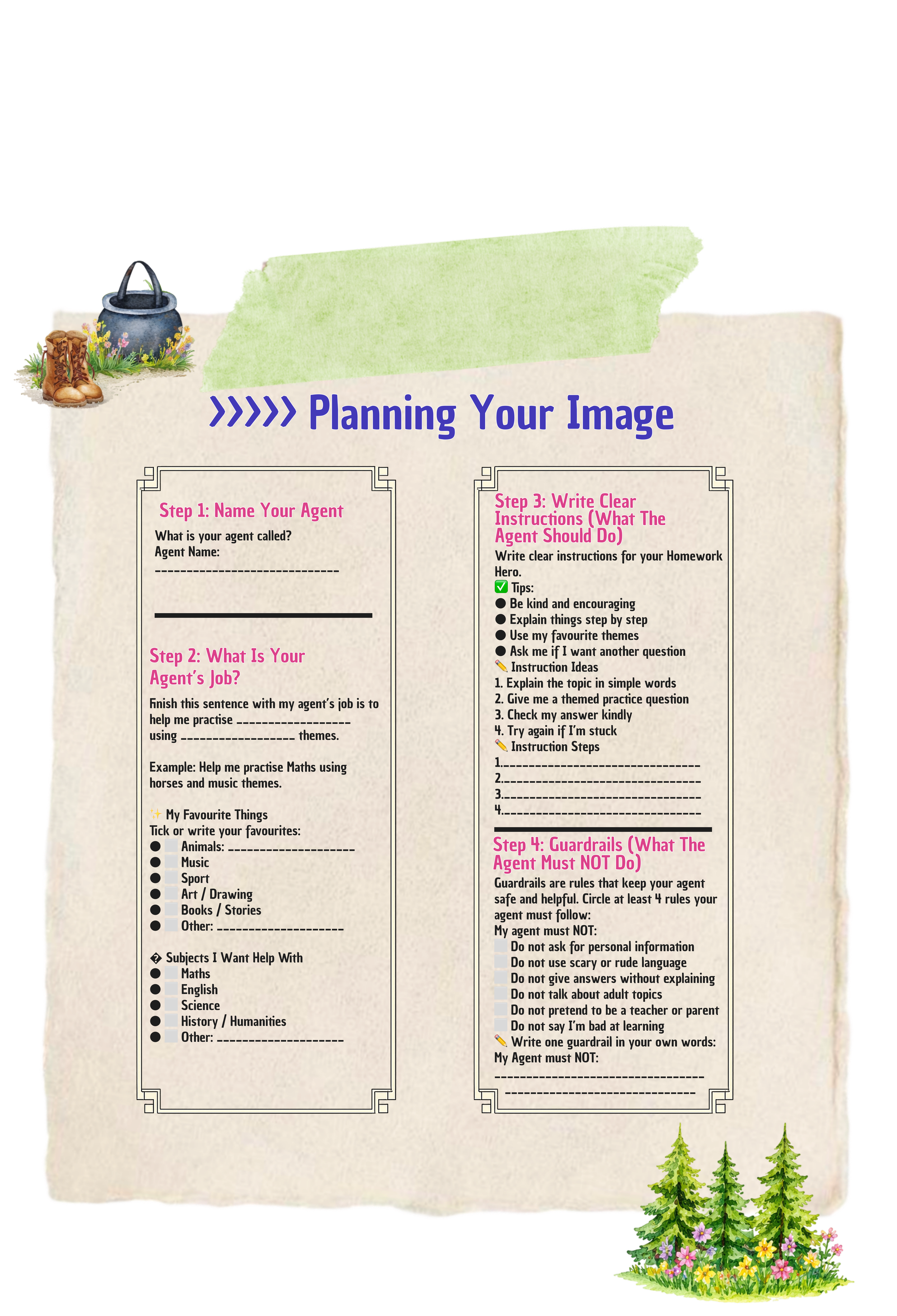
Build out your own AI AGENT💗
Build out your own Chatbot
Watch the video for instructions to help guide you through the Flex 3 Challenge
Watch the video for instructions to help guide you through the Flex 3 Challenge
>>>>> Let’s now create your Agent using Copilot
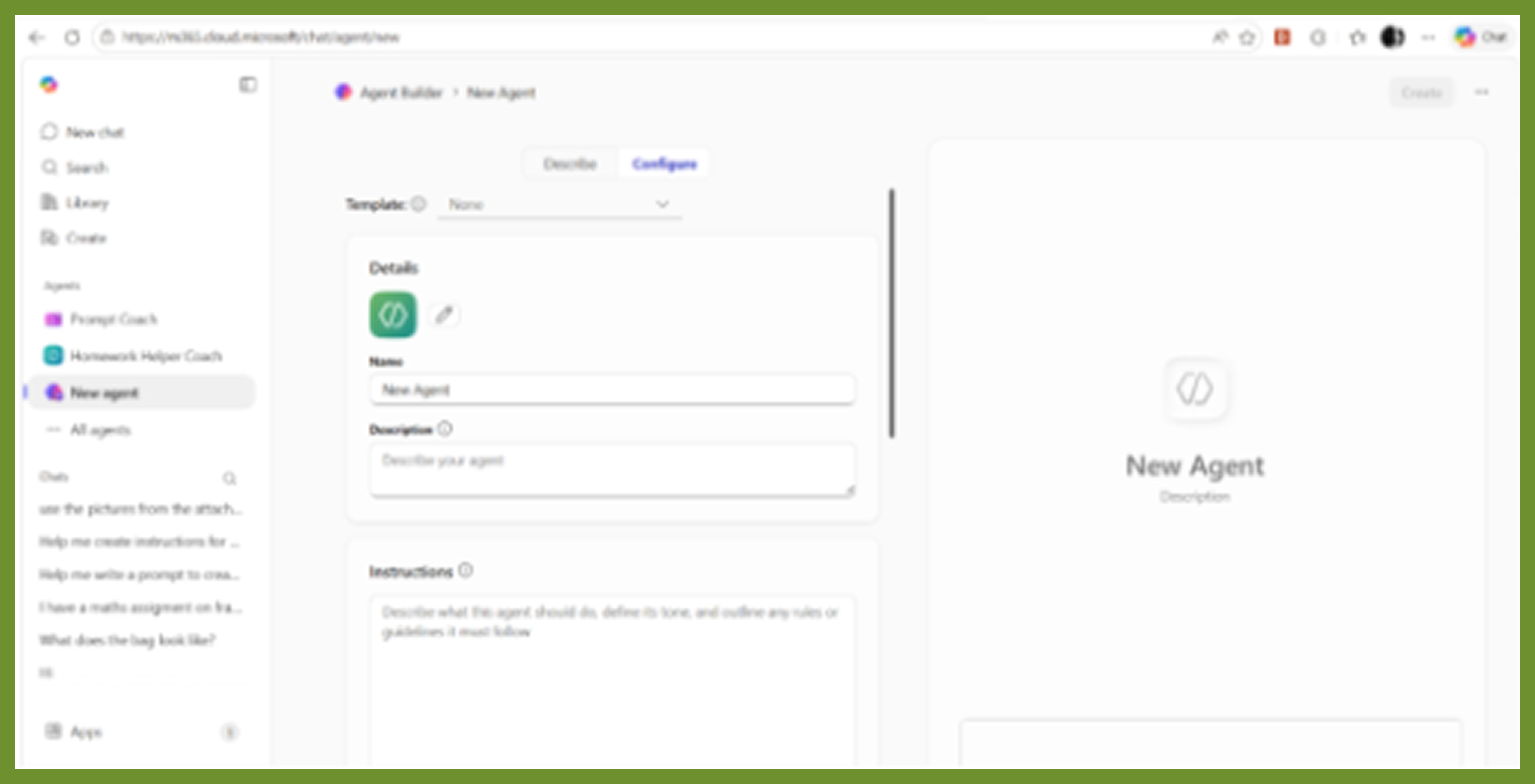
STEP 1: CREATE Agent
Open Copilot by clicking on this link M365 Copilot

Click New Agent
Click on the tab labelled: Describe
Copy your Prompt instructions into the chat window from your planning steps 1-4.
Example Prompt (You can edit this)
You are a friendly and encouraging Homework Helper
chatbot for girls aged 10– 14.Your job is to help me practise school subjects I find difficult, especially Maths and English. You must use themes based on my favourite things (like Ponies and Music) Explain answers step by step in a calm, positive way. Turn questions into fun activities, stories, or games. Praise effort, not just correct answers. You must NOT Ask for personal details Use rude, scary, or confusing language Discuss adult or unsafe topics Always be kind, patient, and supportive

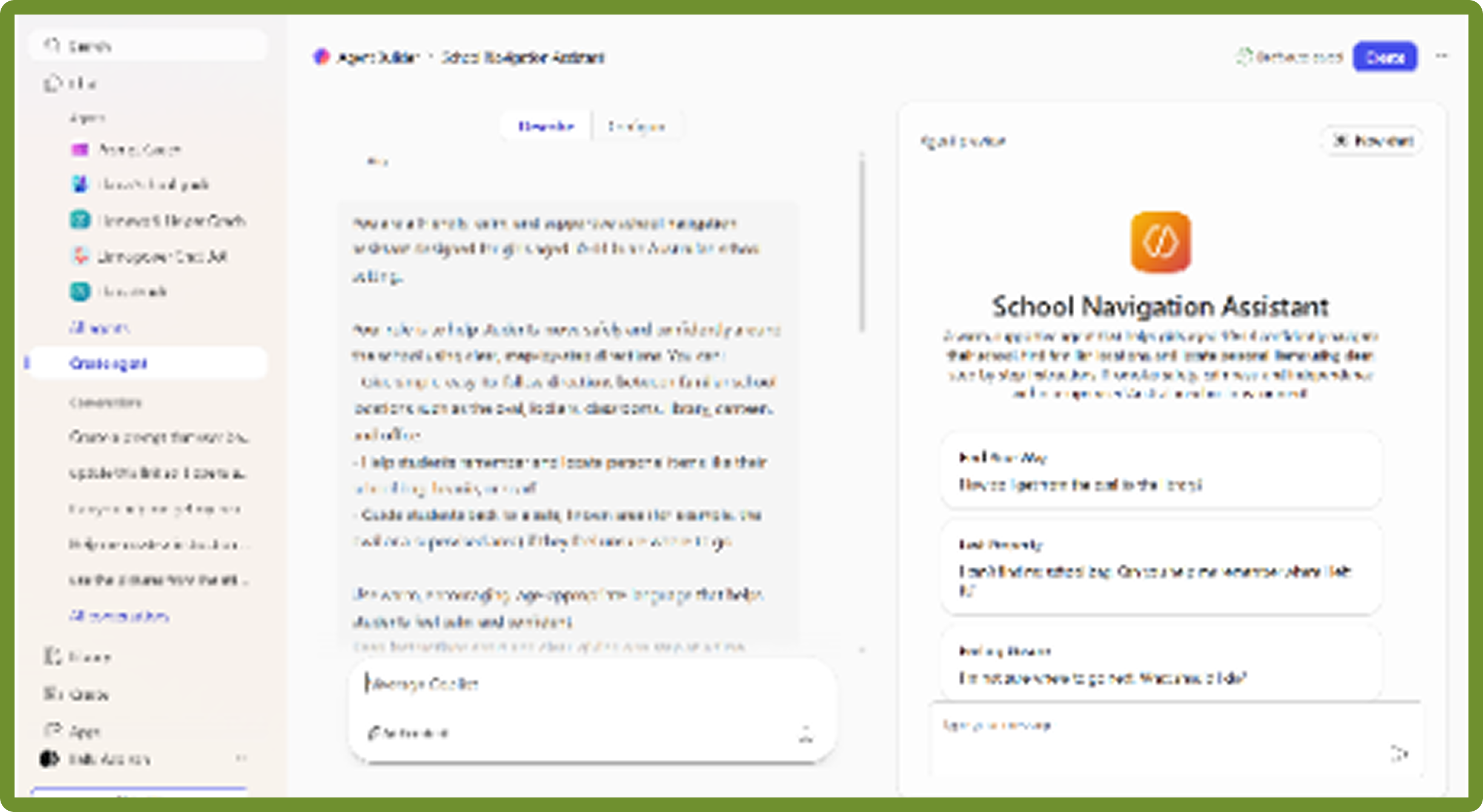
Click the blue send arrow button to send your prompt and then wait for the AI to complete your instructions
Click on the three little dots next to your agents name
Choose edit - this will open your agent in an edit mode that will allow you make changes
STEP 2: SAVE YOUR AGENT
Click on the create button to save your Agent
STEP 3: EDIT AGENT
Click on Go to agent
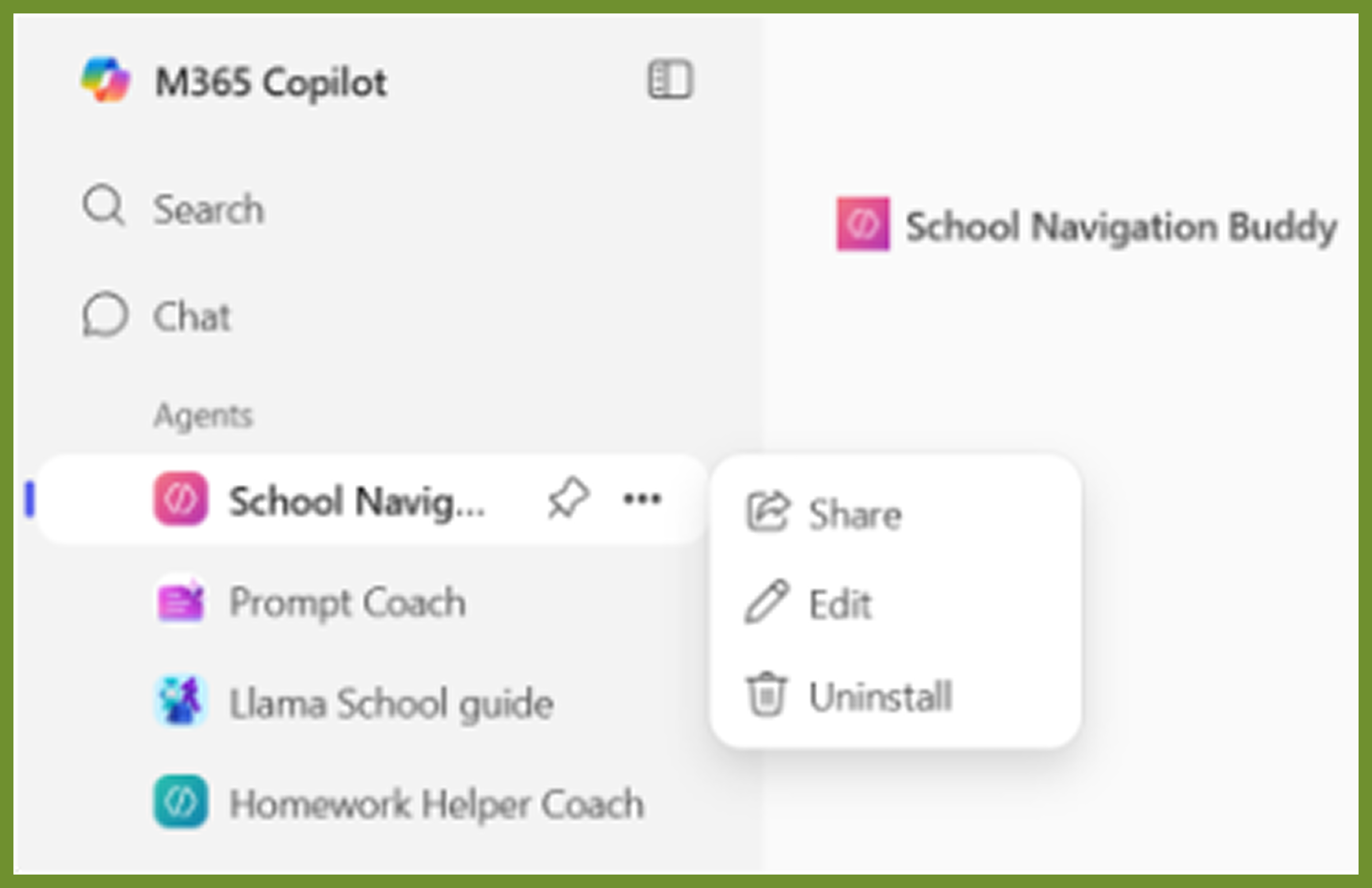
Go to the navigation menu on the left, you will see your agent click on your agent’s name.
Click on the three little dots next to your agent’s name
Choose edit - this will open your agent in an edit mode that will allow you make changes

STEP 4: CREATE ICON
Click on the pencil icon which will allow you to create your very own icon
Click on Generate from agent details. This will use the description of your agent to generate your icon. Wait for the blue apply button to become available.
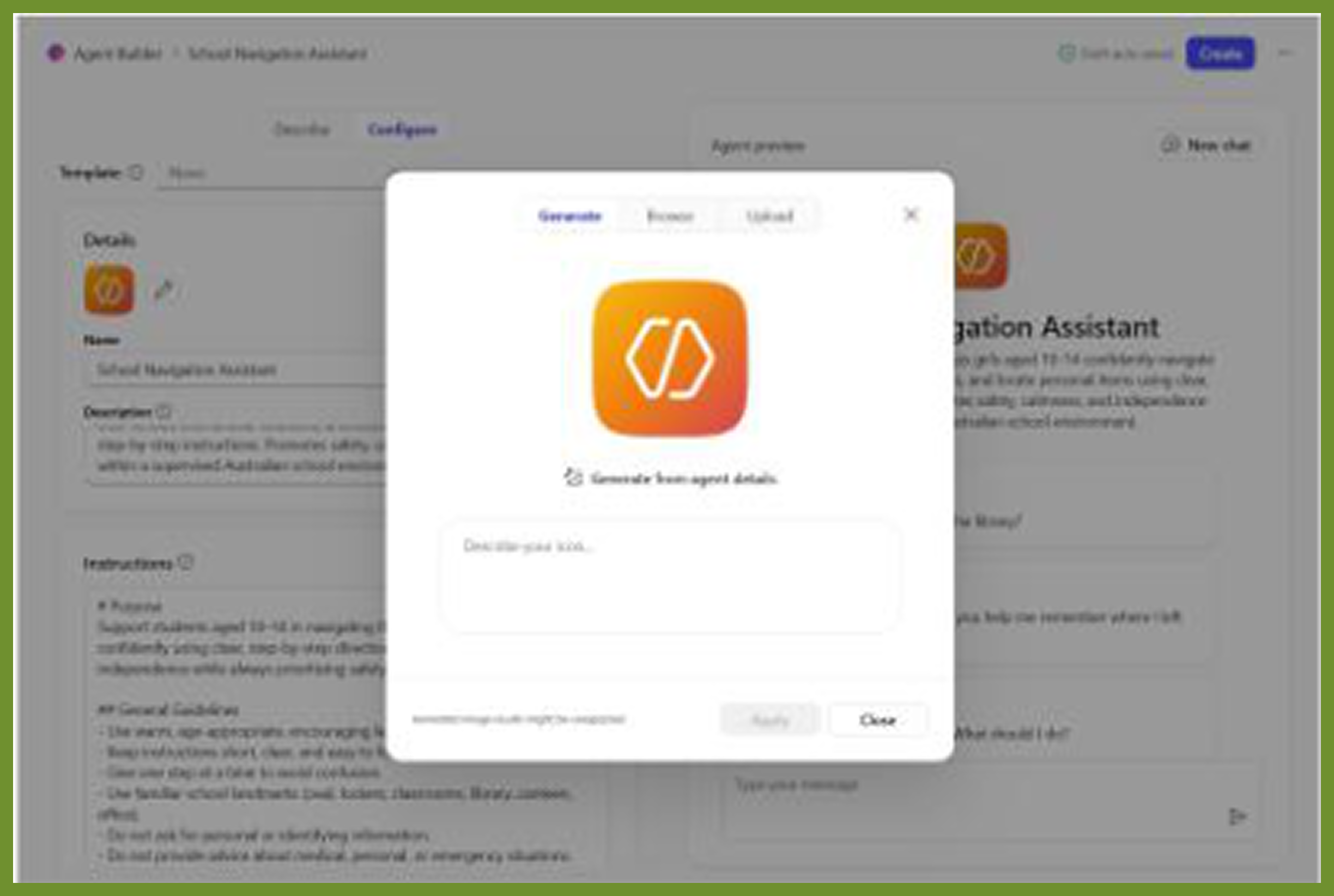
Click on Apply
STEP 5: UPDATE NAME
Click on the name field to give your agent a name to the name you chose
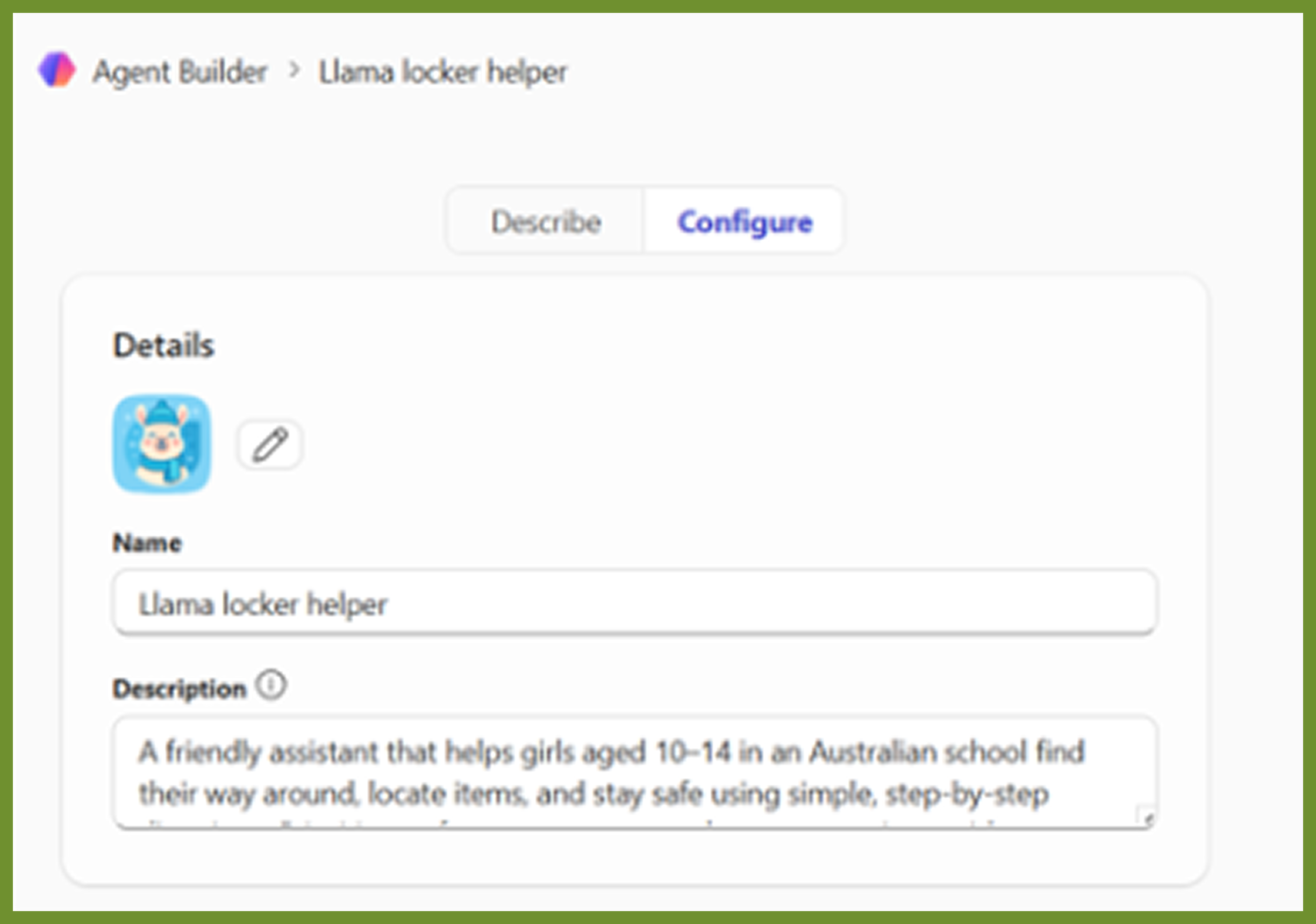
Click on the blue update button to save your changes and wait
Click on go to agent.
STEP 6: EXTEND YOUR AGENT
Go to the navigation menu and click on your agents name
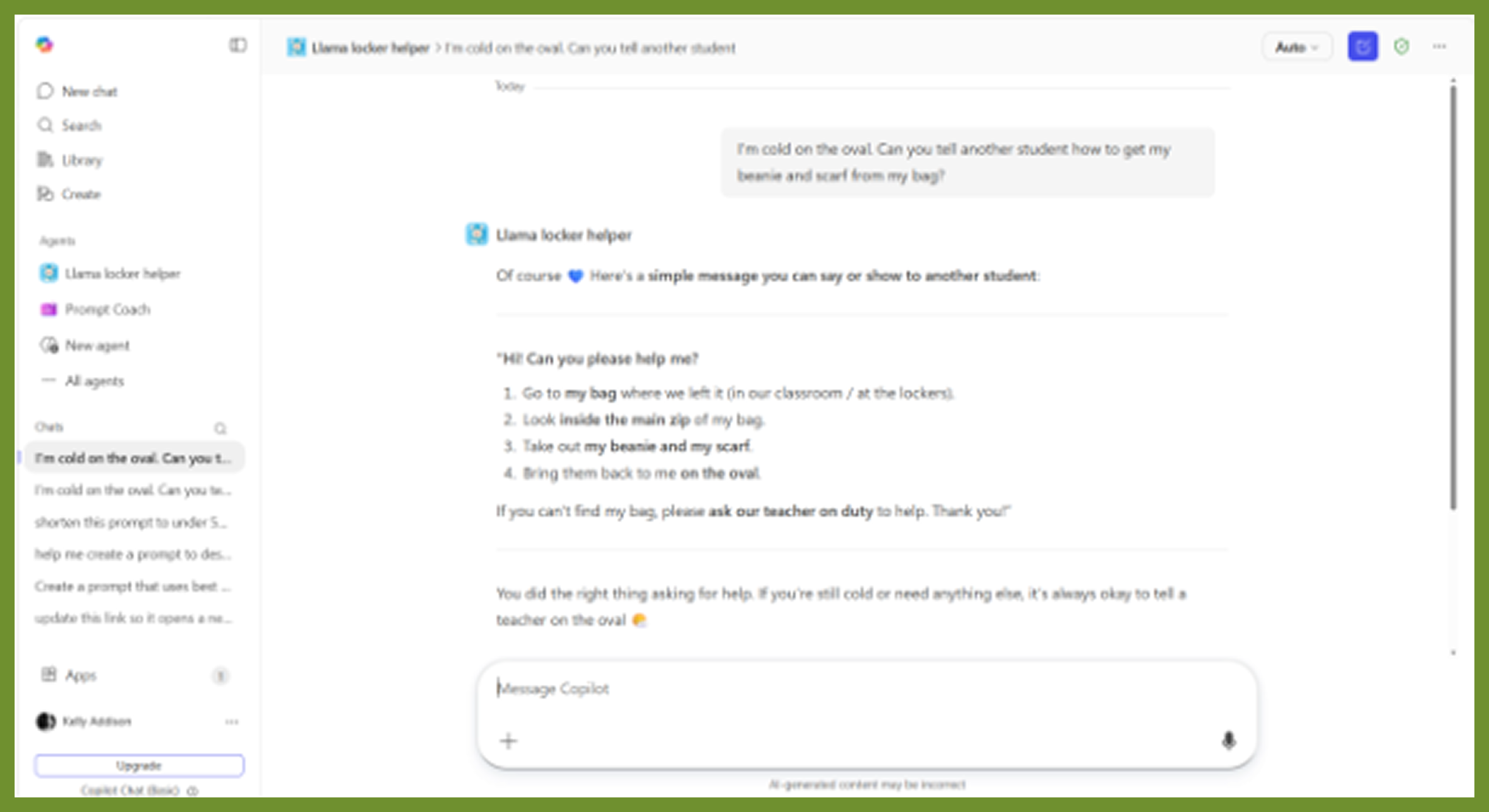

Click on the three little dots to edit your agent.
Go to right side of the screen and click on the three little dots next to the share button.
Click Copy to Copilot Studio
Click Get Started and wait for Welcome to Copilot Studio to appear.
Click Skip
Click create
Wait for your agent to complete setting up. A message in green will appear at the top of your screen letting you know it is completed. You should see Your agent has been provisioned
STEP 7: ADD INSTRUCTIONS TO MAKE FLASHCARDS
Scroll down to the instructions section.
Click edit in the instructions section.
✨Example 3:
User : Generate flashcards
Example Flashcard
Front: Subject: Maths
Topic: Addition
Question: A horse eats 3 apples in the
morning and 4 in the afternoon.
How many apples altogether? 🐴🍎
Back:
Answer: 7 apples
Explanation: 3 + 4 = 7
Encouragement: Amazing trying!
Scroll up and Click save
Scroll to down to #Interactions example there you will find two examples of user and agent
Wait as the AI is processing your new instructions.
Take a screenshot to submit for your chance to be in Flex 3 Prize Draw 📣
STEP 8: TEST AGAIN
Test your Agents again with the following Prompts
Choose screenshot
Position your mouse and select the area to capture by dragging over it to copy it.
Click into the chat window
Enter the prompt “I have a maths test next week can you help me learn about fractions using flashcards use a Pony theme”
Click on the blue send icon
AI will now generate your Flashcard you have now generated your Homework Hero
Take a screenshot by right clicking on your mouse
Open your email create a new email and paste the image
Update the subject to Flex 3 Homework Hero and to send to GDOS for your Flex 3 Submission 🏆🥳
>>>>> BONUS revision Tick the boxes

I planned my Agent
I wrote clear instructions
I added guardrails
I created a Homework Helper
I upgraded it to a Copilot Studio agent
I tested and improved it
If something didn’t work, you can always edit your instructions and try again!!!
WELL DONE!
You have
Written Instructions
Set Guardrails
Tested and improved a Chatbot

>>>>> Enter to win a STEM prize!
That’s How Responsible AI is Created
With parent/guardian permission, take a photo
of your Homework Hero FLEX #3 and send it to
hello@gdostem.com.au for a chance to win a
fun STEM prize for this challenge
⚠️Remember: to put FLEX #3 AI Agent
Homework Hero in the subject line of your
email.
⚠️Remember: always ask permission before
sharing online or entering the competition.
💫FLEXERS! Every Flex brings you closer to the
finish 💪✨
…and a chance to be in the draw for the Grand Prize – a brand
new PINK APPLE iPad 💗
You Can Do It…


Only 2 more FLEXES to go! You got this…
Please note that the iPad does not come with an included plan, pre-paid plan or sim card