
Flex-a-thon 💪
FLEX #1
Prompt Power
>>>>> FLEXERS! Are you ready to FLEX? 💪
Simply follow the steps below to be in the chance to WIN in our 2026
FLEX-A-THON!
>>>>> AI is all what everybody is talking about right now. Why? Well the upside is that AI can really help humanity if we use it for good, wisely and safely. AI can help solve some of the major problems
the world and humanity is facing. It can also help with efficiencies. It can supercharge your learning – not do the learning for you. It can build in time efficiencies for you. And it can be made to suit your style, what you like and help you. Yet, there is also a downside, that people can use it for bad. So you must be careful.
During this Flex-a-thon we will build up your skills using Copilot. The GDOS team designed this learning
to take you from using AI to generate functions [Generative AI] and then take you one step further to
using AI use as a system of those functions you learned to allow even more efficiencies [Agentic AI].
Finally you will pull it all together in the final Flex 5 – Pitch Perfect. You will use AI to present all your
Flex learning to tell us what you think and what you have learned during the Flex-a-thon!
>>>>> Now FLEXERS, let’s get the party started!!!
>>>>> Prompt Power Program Overview
What You’ll Explore:
Learn how to talk to AI and
create your own alter-ego!
Why You'll Love It:
You’ll design an AI portrait of
yourself as an engineer, eco-coder
or even a space explorer.
Learn how to write clear and powerful prompts for AI tools.
Why It Matters:
Your words are powerful. Your ideas matter.

Click in the lower corner to toggle full screen mode.
>>>>> What are prompts?
Prompts are instructions or questions you give to an AI (like ChatGPT) to help it create something like
an image, answer, or story.
Learning to write prompts helps you become a clearer communicator, stronger problem solver and
more creative thinker.
A prompt is like a short message you give to
AI, like asking a friend to draw or write something.
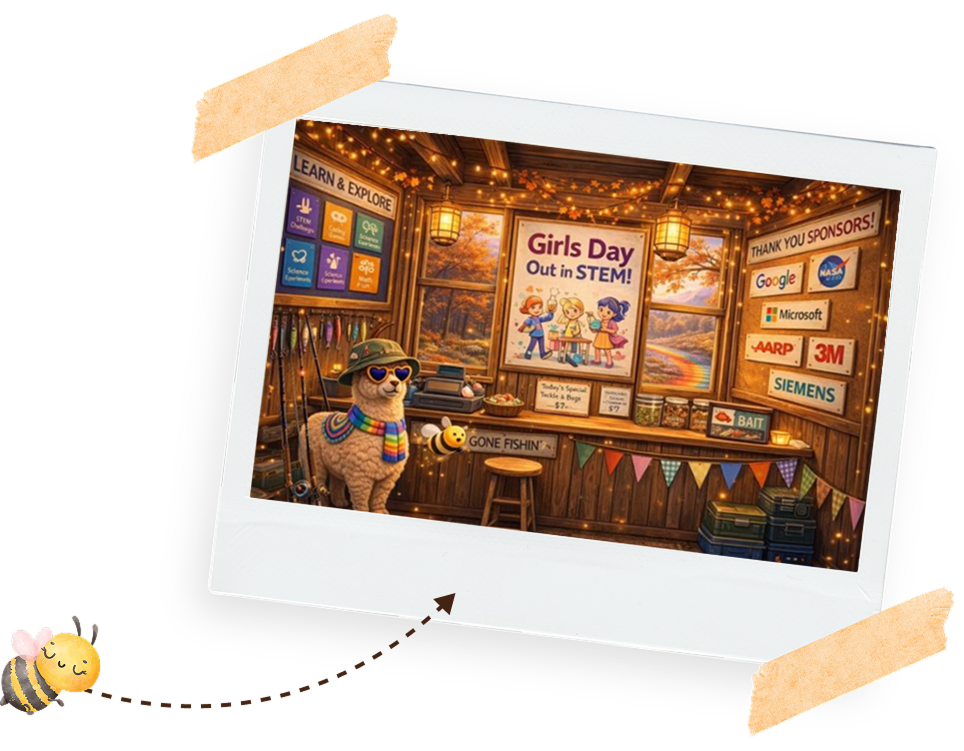
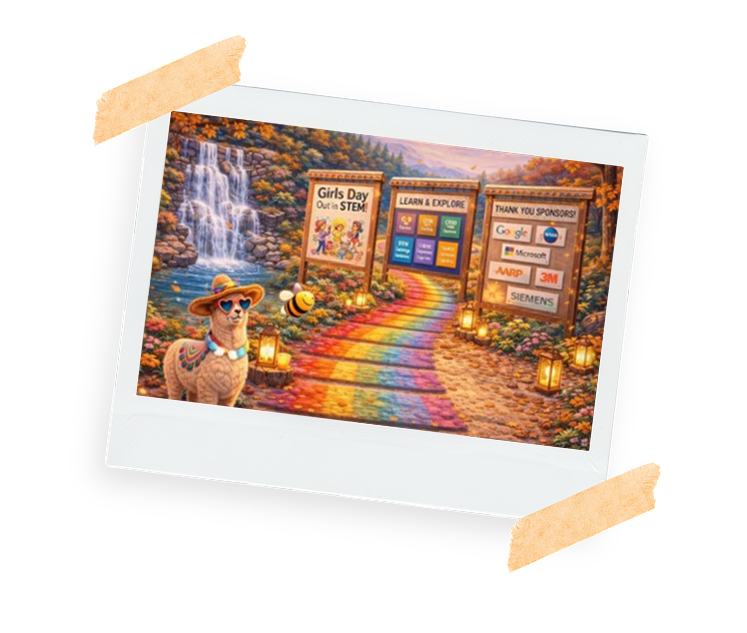
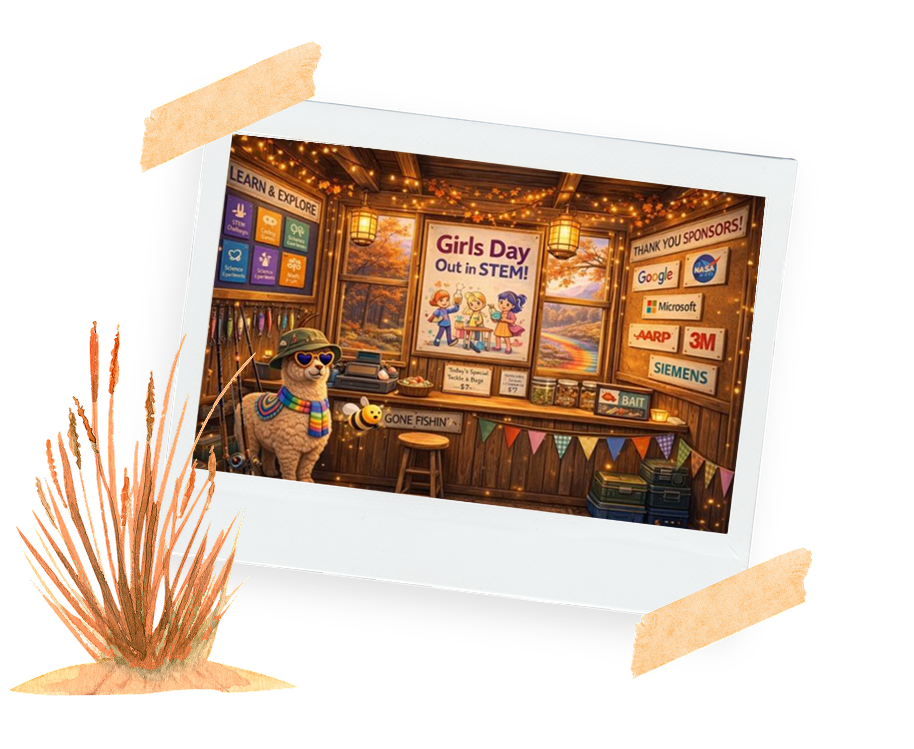
>>>Here’s an example of a prompt we
asked:“produce an image of Girls Day Out in
STEM in a log cabin, with a bee, and a llama
that loves fishing in the Autumn. Make it
cosy and cute.”

>>>>> Keeping Cyber Safe: Do’s and Don’ts
Flexers, below are our Dos and Don’ts to stay cyber safe. Rember prompts are everywhere but not all of them are safe or friendly. Learn how to spot when something feels right, ORwhen it’s a red flag and when it’s time to check in with a trusted adult.



✅ Do use strong, unique passwords.
✅ Do check websites and tools are safe and approved.
✅ Do report any unusual messages to an adult.
More Tech Bias Awareness Tips:
✅ Do ask where the AI agents get its information.
✅ Do question if results seem unfair or one-sided.
✅ Do include diverse perspective in prompts.

❌ Don't share personal information online like your full name, address or school.
❌ Don't trust links or downloads from unknown sources.
❌ Don't assume AI is always right or private.
❌ Don't assume AI answers a neutral.
❌ Don't copy paste without reviewing.
❌ Don't believe AI is smarter than people.
>>>>> Career Tips
Double Click to Pop all 10 balloons to discover what careers use prompts:

>>>>> Now The Flex 1 Challenge:
Create your own prompt!!!
Click the video link for step-by-step guidance - it’s there to help you shine!
You’ll design an AI portrait of yourself as an engineer, eco-coder or even a space explorer using
Microsoft Copilot Designer. You’ll learn how to give AI clear instructions (called prompts) so it
understands exactly what you want to create.

>>>>> This is the scenario you are creating for your prompt to follow:
It is autumn and you looking at a portrait of your future self as engineer, eco-coder or even a space
explorer.
>>>>> Planning your image
Step 1:
What is the Goal of your image

• Create an image of a _______
Step 3:
What are the limits?
• For students aged 10–14
• Include a girl aged 10–14
• She is wearing a lab coat
• Image style: e.g. Whimsical 3D
• Colour theme: warm autumn colours
• Image size: Portrait
Step 2:
What is the expected Output?
• An image.
Step 4:
What are the details?
• Show science items like lab equipment and beakers
• Include a diploma
• The girl is looking at her future self as a scientist
Step 5:
Write Your Full Prompt

Here is a n example to help you:
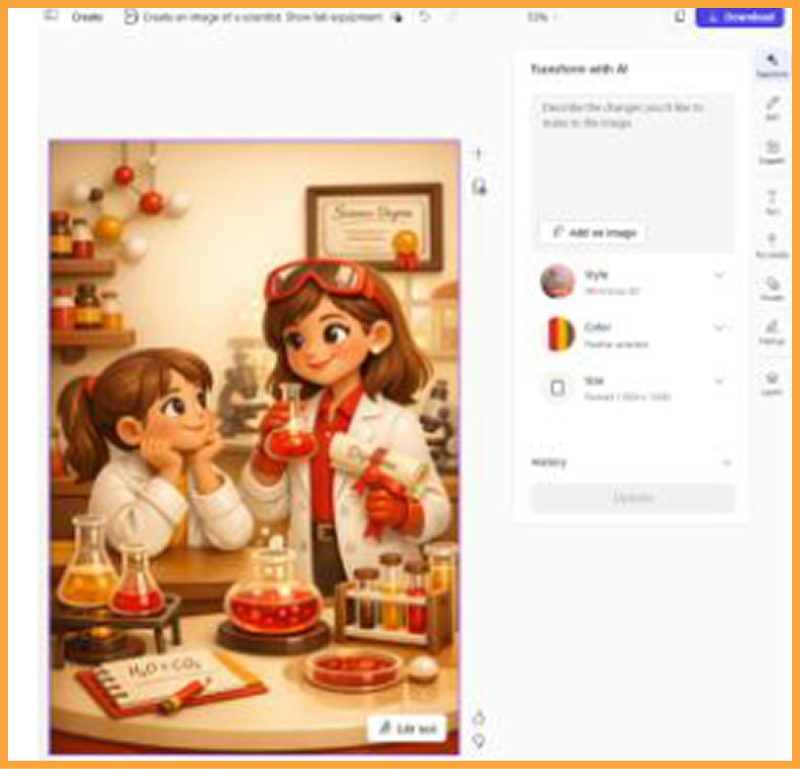
“Create an image of a scientist. Show lab equipment, beakers, and a diploma. Include a 10 to 14-year-
old girl wearing a lab coat, looking at her future self. This image is for students aged 10 to 14. Use a
whimsical 3D style with warm autumn colours. Create the image in portrait format.”

STEP 1: CREATE IMAGE
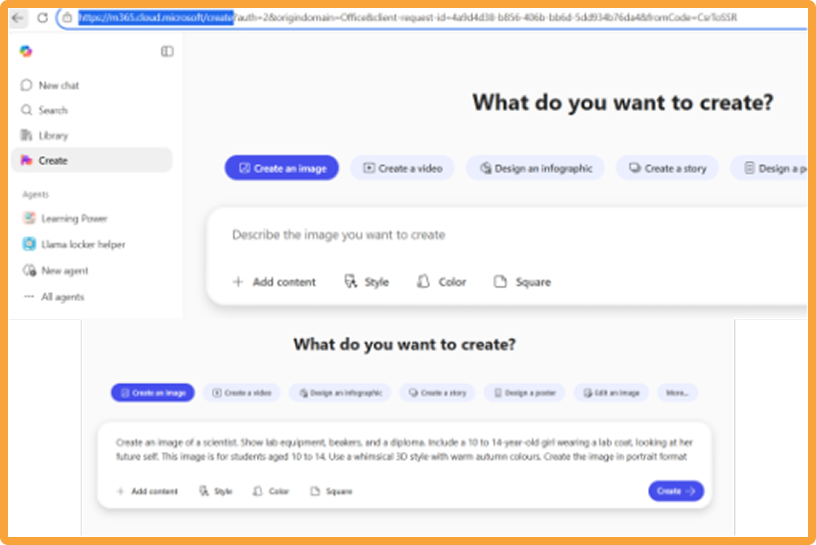
Open Copilot by clicking on this link M365 Copilot.
Click Create on the left row menu
Click on Create and image Click on Create and image in the blue box
Copy your Full Prompt that you wrote above in Step 5 into the window ‘Describe what you want to create’

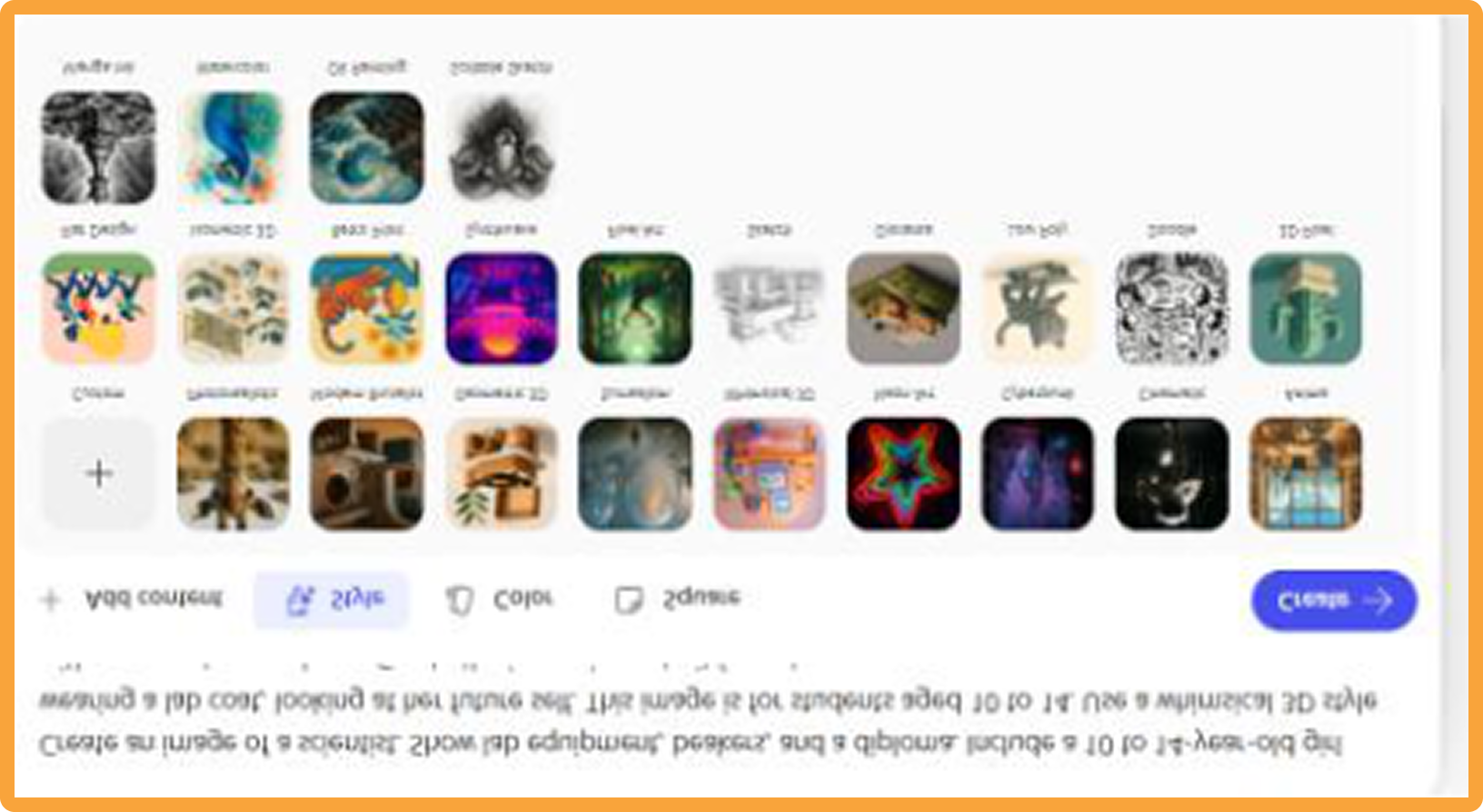
STEP 2: CHOOSE THE STYLE
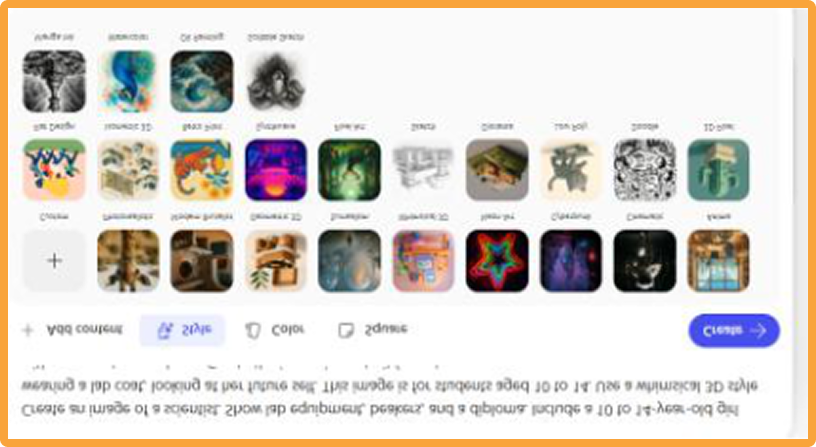
Click on the style button in the window to choose your preferred style from the menu options.
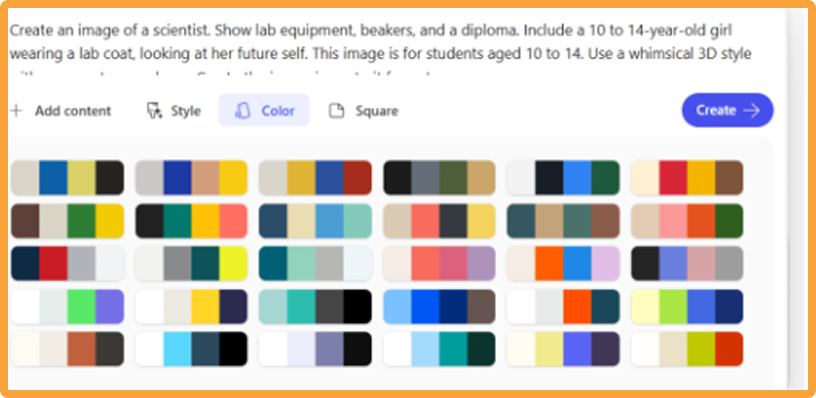
STEP 3: CHOOSE YOUR COLOR
Click on the colour button and select your theme from the menu options

STEP 4: SELECT SIZE
Click on the square button which will allow you to select Portrait as the size
STEP 5: CREATE YOUR IMAGE
Click on the create button to generate
⚠️WARNING: you may need to click on the accept safety button before it will generate the image.
Watch as AI turns your words into an image!
Look closely:
Is the girl the right age?
Can you spot the lab equipment?
Is the diploma included?
Your clear prompt helps AI get it right
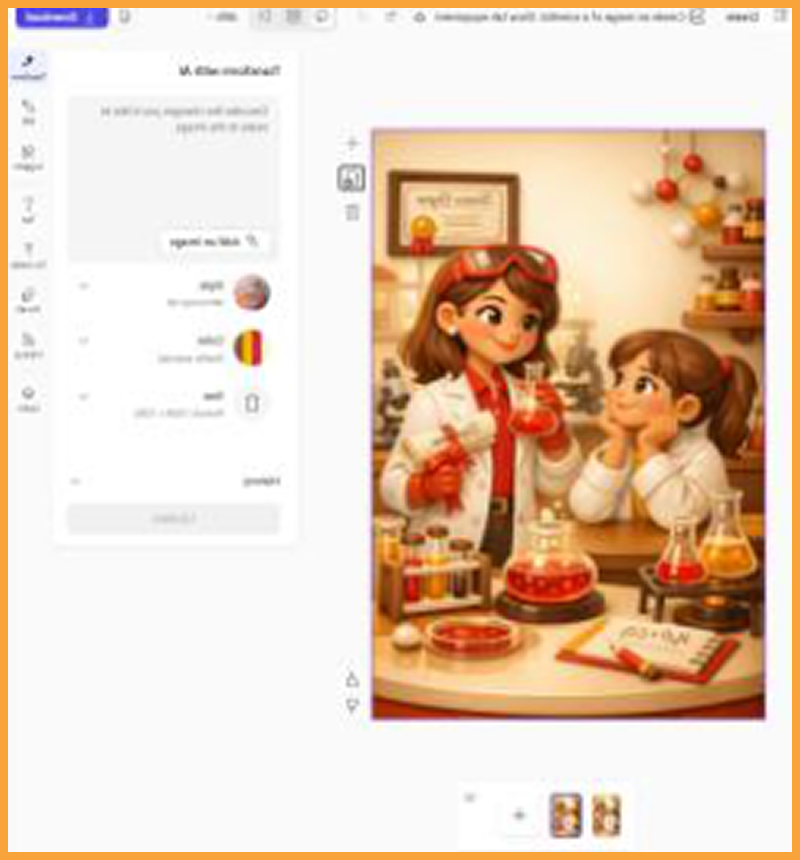
Click on the download button in the top right corner
Click on the Drop down menu and click jpg
Click Copy as image.
Open your email create a new email and paste the image
Update the subject to Flex 1 Prompt Power and to send to GDOS for your Flex 1 Submission 🏆🥳
STEP 6: DOWNLOAD YOUR DESIGN TO SEND FOR FLEX 1 DRAW PRIZE! 🏆

>>>>>BONUS revision:>>>>>Tick the boxes if your prompt:

Created the image you wanted
Followed your limits
Felt safe and helpful
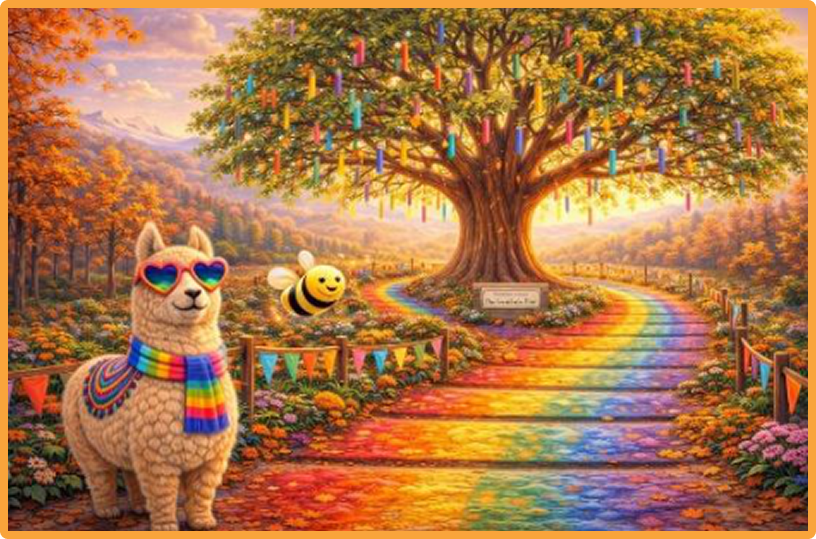
And always remember if something didn’t work the first time, you can Always edit your instructions and try again
>>>>> Enter to win
a STEM prize!
With permission from a parent or guardian, take a photo of your Prompt Power work
and send it to hello@gdostem.com.aufor a chance to win a fun STEM
prize for this Flex1!!
⚠️Remember: to put FLEX #1 Prompt Power
in the subject line of your email.
⚠️Remember: Always ask parent permission before sharing or entering.
Grand Prize: yippeeeeee!! 🏆
Did you know you can also be in the draw to WIN the National Grand Prize…
a BRAND NEW PINK APPLE iPad 😮
💫FLEXERS! All you need to do is finish all 5 Flexes 💪✨
SOOOOO Get EXCITED!!! 💗🥳🙌
Please note that the iPad does not come with an included plan, pre-paid plan or sim card